Pebble
Island
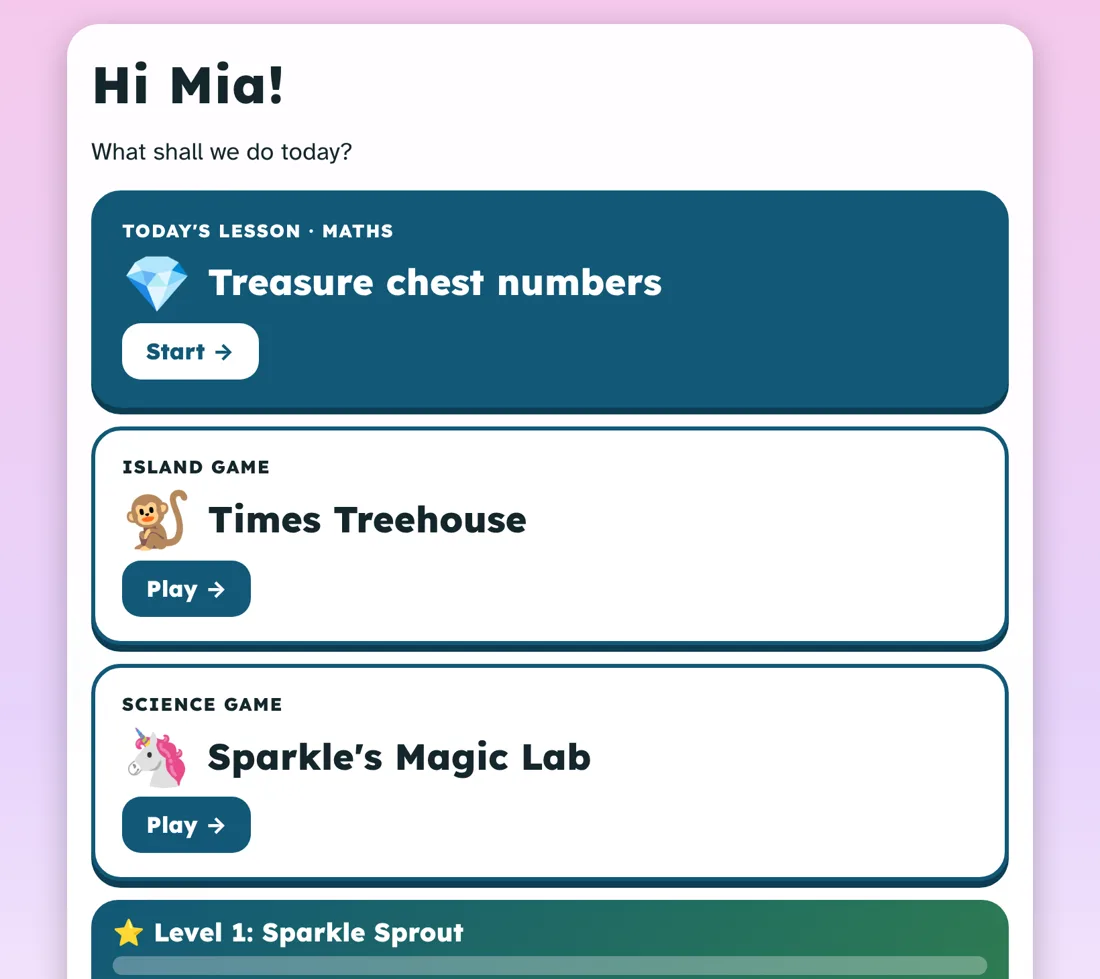
The learning app for kids the other apps lose by question three. It reads everything aloud, asks for a tap instead of typing, and teaches the idea before it ever asks a question.
Then $30 a month, or $306 a year. Every child in your household on one plan.

Sound familiar?
You sit down to do maths. The app wants them to read a paragraph, type an answer, and beat a timer. Ten minutes later, nobody is learning anything.
- Walls of instructionsFine for a confident reader. A wall for a dyslexic one.
- Typing and handwritingThe answer is in their head. Getting it out is the hard part.
- Quiz first, teach laterA test on something nobody has shown them yet.
- Buzzers, lives and streaksOne wrong answer and the tablet goes across the room.
How it works
Shown first. Practised together. Then on their own.
Every lesson starts by teaching
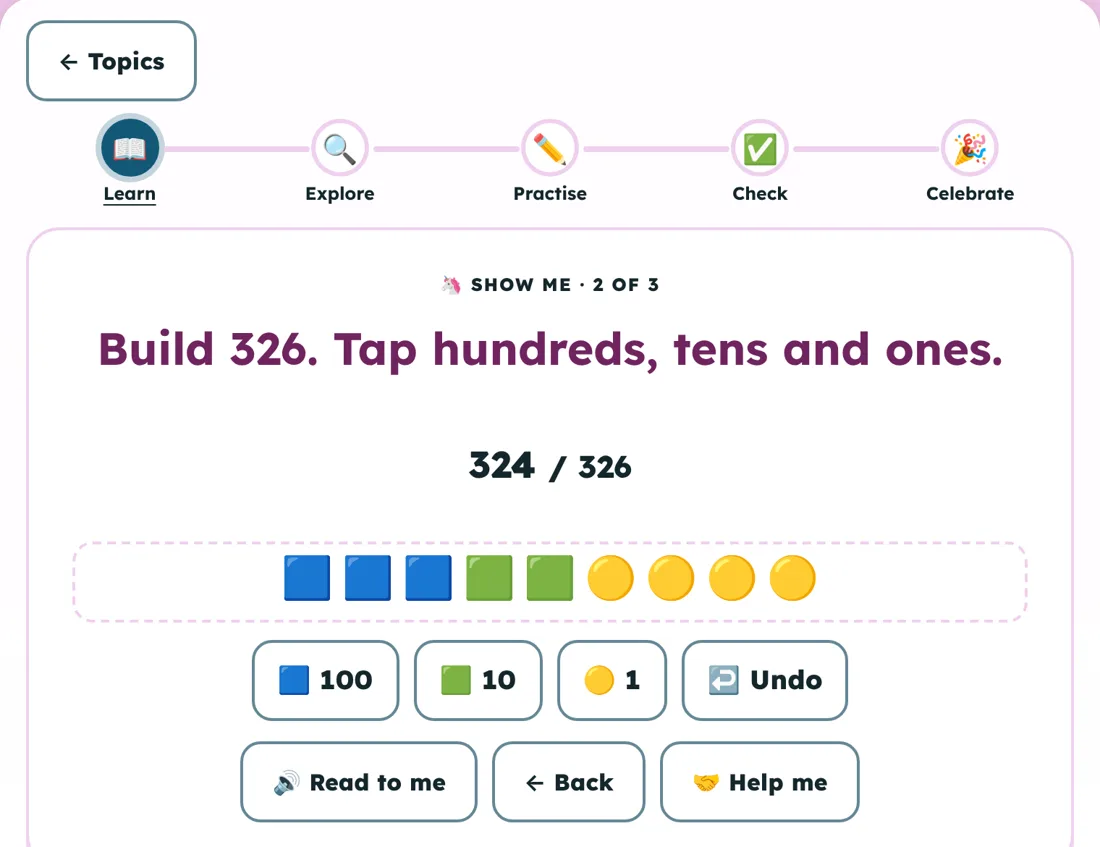
A short explanation is read aloud, one idea per card. Then a hands-on "Show me" step where your child taps, sorts or builds the idea before any question counts.
- "Read to me" and "Help me" on every screen
- Questions done together first, then alone
- An off-screen activity to finish every lesson
Wrong answers get a reteach, not a buzzer
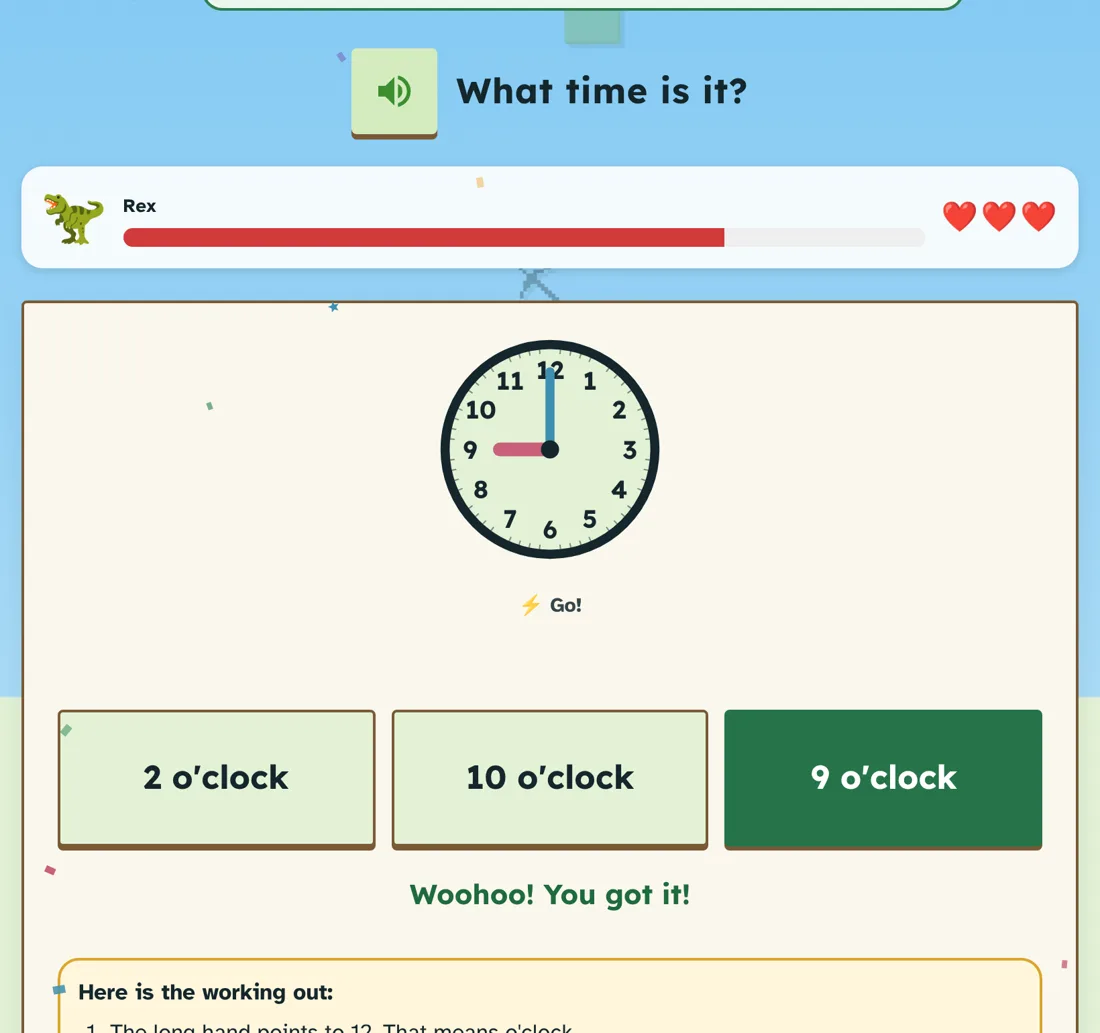
After every answer, right or wrong, your child sees the working out in numbered steps, read aloud. Get one wrong and a short "Let me show you" appears, without giving the answer away.
- Levels move up after a run of right answers
- They ease back after repeated misses
- Older topics come back before they're forgotten
The same lessons, in their world
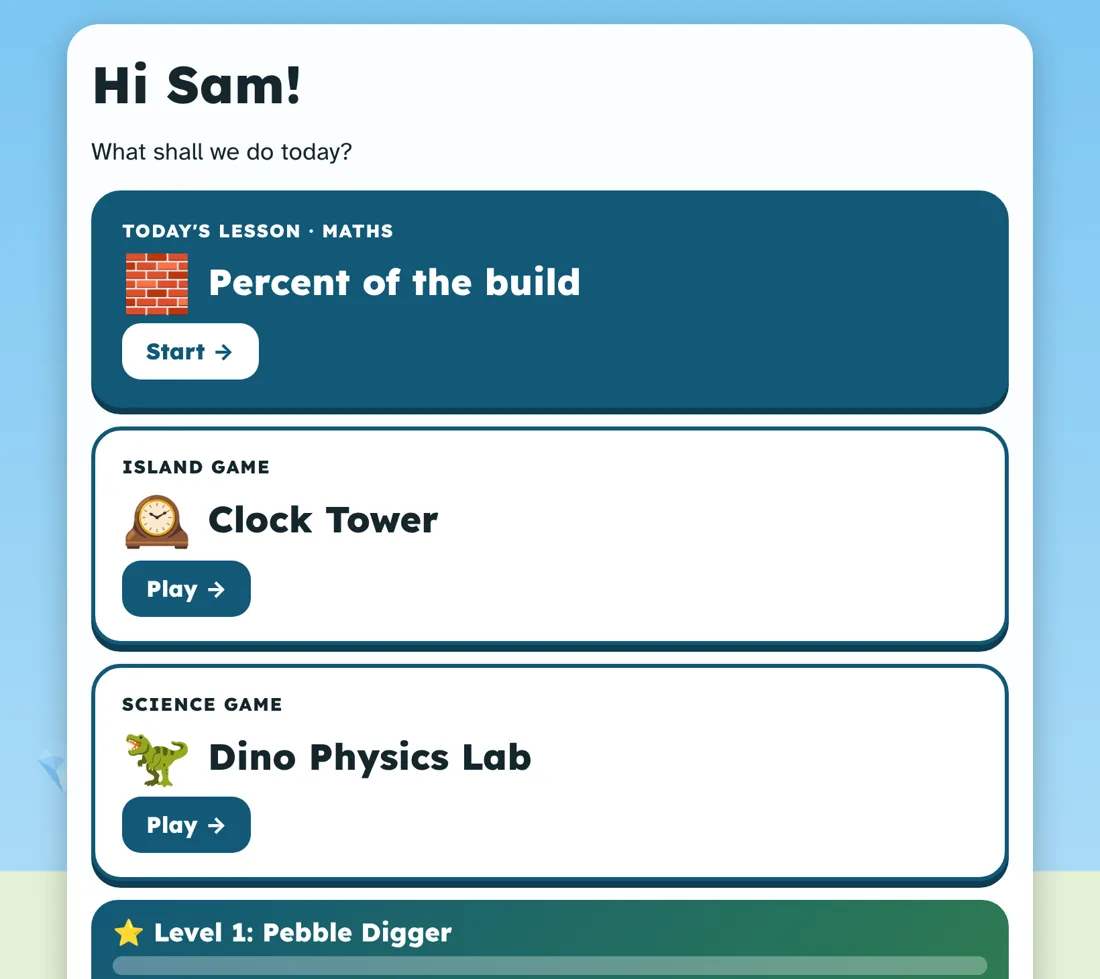
Pick a pack for each child: magic and castles, dinosaurs and fossils, or classic. The curriculum stays the same, the stories change, and progress carries across if they switch.
- Their own mascot, pet and island world
- Sticker albums and coins for effort, not speed
- Every child keeps their own year level
Built for how they learn
Accommodations aren't a setting here. They're the default.
Designed with autistic and ADHD kids, and kids with dyslexia, dyscalculia and fine-motor difficulties. It turns out that suits most kids.
No reading needed
Every card, question and instruction can be read aloud automatically. Short sentences. Easy-read font and big text on a switch.
Tap, never type
Every answer is a big, forgiving tap. No keyboards, no handwriting, no fiddly dragging.
Maths you can see
Small numbers, real pictures to count, dots and tens-and-ones in the working out. Made with dyscalculia in mind.
No clock ticking
No timers, no leaderboards, no fail sounds. Calm mode slows animation right down.
Wiggle breaks
A movement break and a "show me again" button inside every lesson, so a reset doesn't mean starting over.
Made in Australia
Australian English, Australian Curriculum v9, and First Nations histories and cultures taught respectfully.
The honest comparison
Most learning apps are built for the average kid.
Typical kids' learning apps
- Questions first, help after a mistake
- Instructions in text, audio on some screens
- Typing, dragging or handwriting
- Buzzers, lost lives, broken streaks
- Often US or UK curriculum, one or two subjects
- Badges and activity counts for parents
- Priced per child
Pebble Island
- Teach, show, practise together, then alone
- Everything read aloud by default
- Tap only
- A reteach and the full working out
- Australian Curriculum v9, all five subjects, Prep to 6
- Where they needed help, and what to do next
- One plan for every child in the house
Why it exists
Made for two kids first.
I built Pebble Island for my niece and nephew. They're home-educated, autistic, have ADHD, and find reading, numbers and handwriting hard. Every app we tried assumed they could read the instructions, type the answer and shrug off a buzzer.
So I built one around what they could do. Read everything out. Let them tap. Show them first. Make one of them unicorns and the other dinosaurs. They were its first testers, and they still are.
— KT, founder
What's in the box
Everything, in every plan.
Lessons
Maths, English, Science, HASS and Technologies, Prep to Year 6.
Island games
Adaptive practice that moves up and down with your child.
Parent Hub
Behind a PIN: time, accuracy by subject, and where they needed help.
Report drafting
Drafts your annual home-ed report from app activity. Other states get a progress report.
Straight up: it's a strong core, not a complete curriculum. It doesn't assess year level, and the report builder drafts for you to review and submit yourself. It works best alongside your own program.
Pricing
Try it for 5 days. Free.
One plan, every child in your household, everything included. Prices in Australian dollars.
Annual
$306 / year
That's $25.50 a month, billed yearly after your trial.
Start free trialAdd a card to start. Nothing is charged for 5 days. Cancel before then in Grown-ups → Manage billing and you won't pay a cent.
Questions
Good to know.
How does the free trial work?
Pick monthly or annual and add a card. You get full access for 5 days. If you don't cancel, your plan starts on day 5 and your card is charged then.
My child isn't neurodivergent. Is it still for us?
Yes. Being taught before being tested, hearing instructions read out and getting calm feedback suits most young learners. The accommodations never get in the way.
How many children can use one plan?
All of them. Add each child with their own year level, theme and progress.
Where is my child's data kept?
On your device, with a copy in your account in our database in Sydney, Australia. Only your account can read it, and you can delete it from Grown-ups. Privacy details.
Does the report meet my state's requirements?
For Queensland it drafts the parts of the annual report from what your child did in the app. You review it and submit the official form yourself. Other states get a general progress report for now.
What devices does it work on?
Any recent tablet or computer browser. On an iPad or Android tablet, tap "Add to Home Screen" and it opens full screen like an app.